Approve before you spend
Edit the text, range and style of every candidate before a single frame renders. Compute goes to what you'll publish, not to everything extra the AI suggested.
ReviewUpload the file, AI flags the best moments, and you approve before anything renders. No paying for clips you were going to toss anyway.
No card to try it · 20 free min/month · cancel anytime
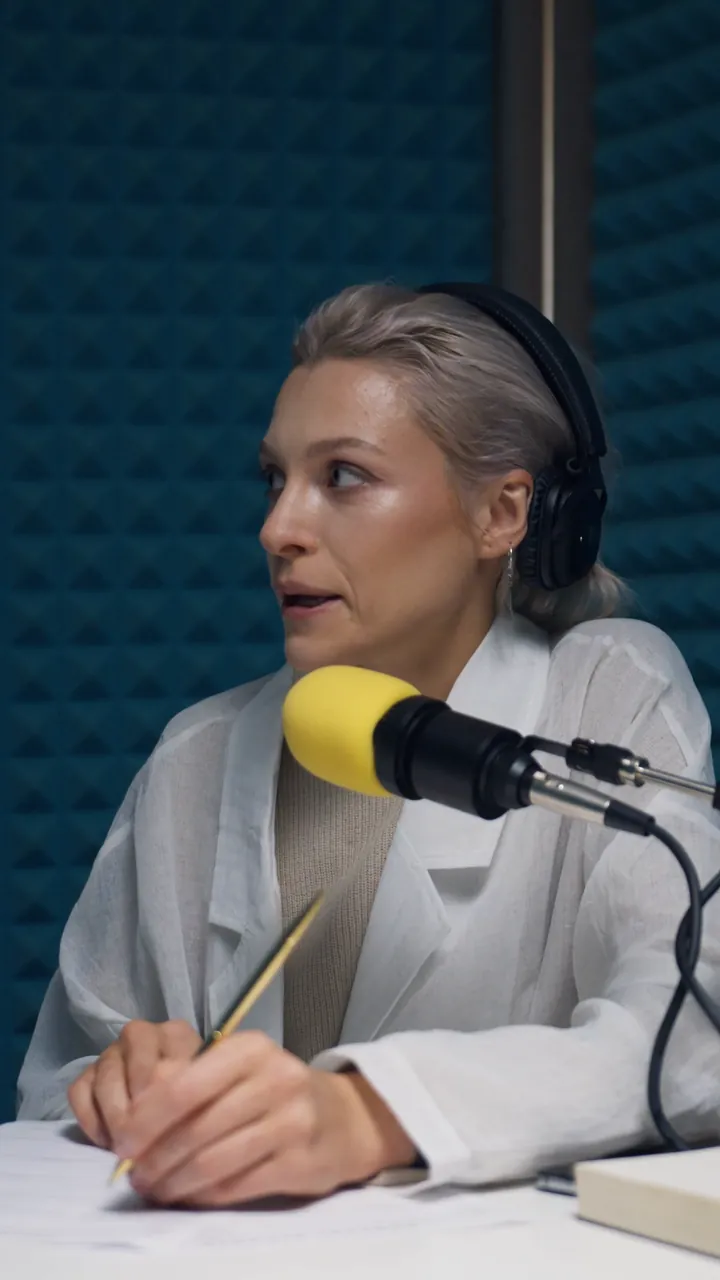
nobody will say it like this
Three steps, each with real control — not a black box that hands you random clips.
No codecs, resolutions or project names to set up. Klippfy transcribes, detects the speaking rhythm and builds an energy map of the whole video to find the moments with the strongest hook.
Every candidate comes with its score, the reason it was picked and editable text. Fix a mistranscribed word, adjust the cut, remove a filler word — and only then is it processed.
A vertical clip with burned-in karaoke captions, ready to post. If you'd rather finish it by hand, export the raw footage and the captions in standard formats for your usual editor.
One click with Google. No passwords, no emails to check.
A single click. Your free plan (20 min/month) is active instantly, with no card and no email verification.
Drag in the file. The transcript and the candidates show up on their own; there's nothing technical to set up.
Review, hit render, and in minutes your vertical is ready to post wherever you want.
Every platform wins on one axis. We focus on the three that actually matter when you pay for real usage.
Edit the text, range and style of every candidate before a single frame renders. Compute goes to what you'll publish, not to everything extra the AI suggested.
Review"Um", "uh", long silences — detected word by word and trimmed automatically, with the captions staying in sync after the cut.
CleanupCaptions in 3 languages or export to Premiere/DaVinci with the raw footage — keep editing by hand if you need to; you're never locked into our render.
Portable15 animated styles: the word being spoken pops, glows or gets boxed exactly when it's said.
Every clip comes with a 0–100 score and a breakdown (hook, content, pacing, ending and length), its energy curve and concrete suggestions before you approve it.
Klippfy ScoreThe clip starts at the beginning of a sentence, with no "um, so, like…", and finishes the thought instead of cutting off mid-sentence.
Clean cutsFiller-word cleanup, automatic emojis on keywords and a brand vocabulary so your proper names are always spelled right.
Natural speechYou're charged per minute of the original video (2 min minimum per video), not per clip — generate as many as you want to review.
If you have a question that isn't answered here, write to us.
Per minute of the original video you upload, once (each video counts as at least 2 minutes). Generating, reviewing and discarding candidate clips adds nothing to your quota: you don't pay per clip.
No. Sign in with Google and your free plan of 20 min/month is active instantly. If you later want more minutes or to remove the watermark, that's when you pick a paid plan.
Burned into the video (karaoke, several styles) or as separate .srt and .vtt files, compatible with YouTube, LinkedIn, TikTok Ads Manager and most professional editors.
Yes, with no minimum commitment. Cancel from your account whenever you want, and the free plan stays available afterwards.
Discard it at no cost — reviewing candidates doesn't spend minutes from your quota. You only pay for the ones you actually approve and render.
No card needed · 20 free min/month · Already have an account? Go to my projects